Tablet-controlled BrightSign IM Locator
Generate the pattern. Find the exact IM.
Get a serial-locked SD image for your BrightSign and locate the exact faulty module or IM from a touch-friendly tablet. We check your player first, then send payment instructions. One-time licence: €49 / $55.
What you receive
- ✓ Serial-locked SD image for one BrightSign player
- ✓ Tablet control for module and individual IM selection
- ✓ Dirty Spot service tool included
- ✓ Secure download link after payment
Invoice or payment link by email
Signed for the submitted player
Secure download after payment
IM Locator pattern generator
Build the pattern.
Find the exact IM.
Generate a service pattern from the LED wall geometry, then select the exact module or individual IM on the tablet. BrightSign renders the coordinates, grid and marker over HDMI directly on the wall.
Field material from two real event installations, shown to document the workflow in use.
Pattern generator
Prepare the wall layout once. During service, choose the target and the locator pattern updates immediately without rebuilding content or reconnecting the signal chain.
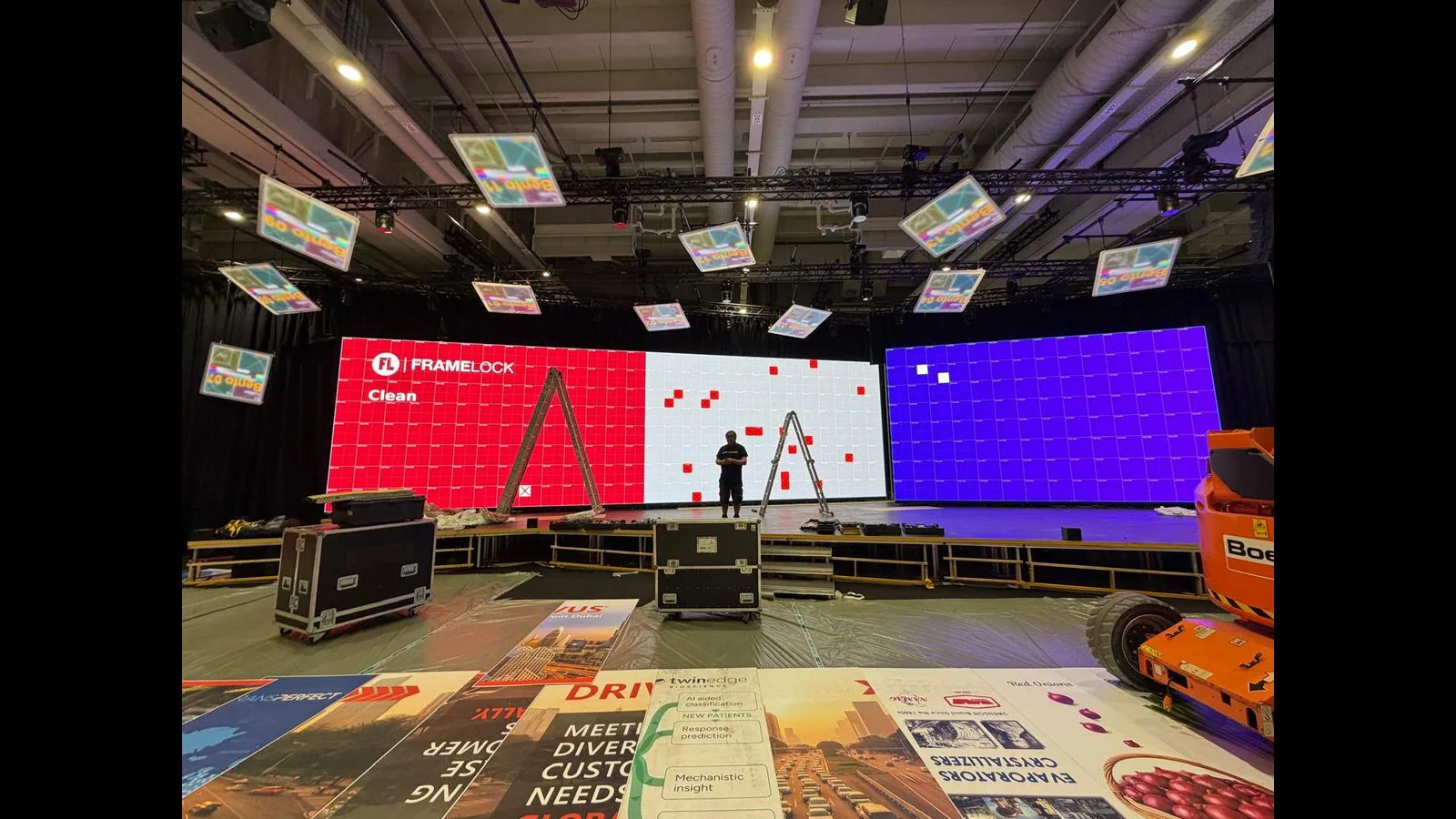
Generate a coordinate-aware pattern and identify the exact service position across the LED wall.
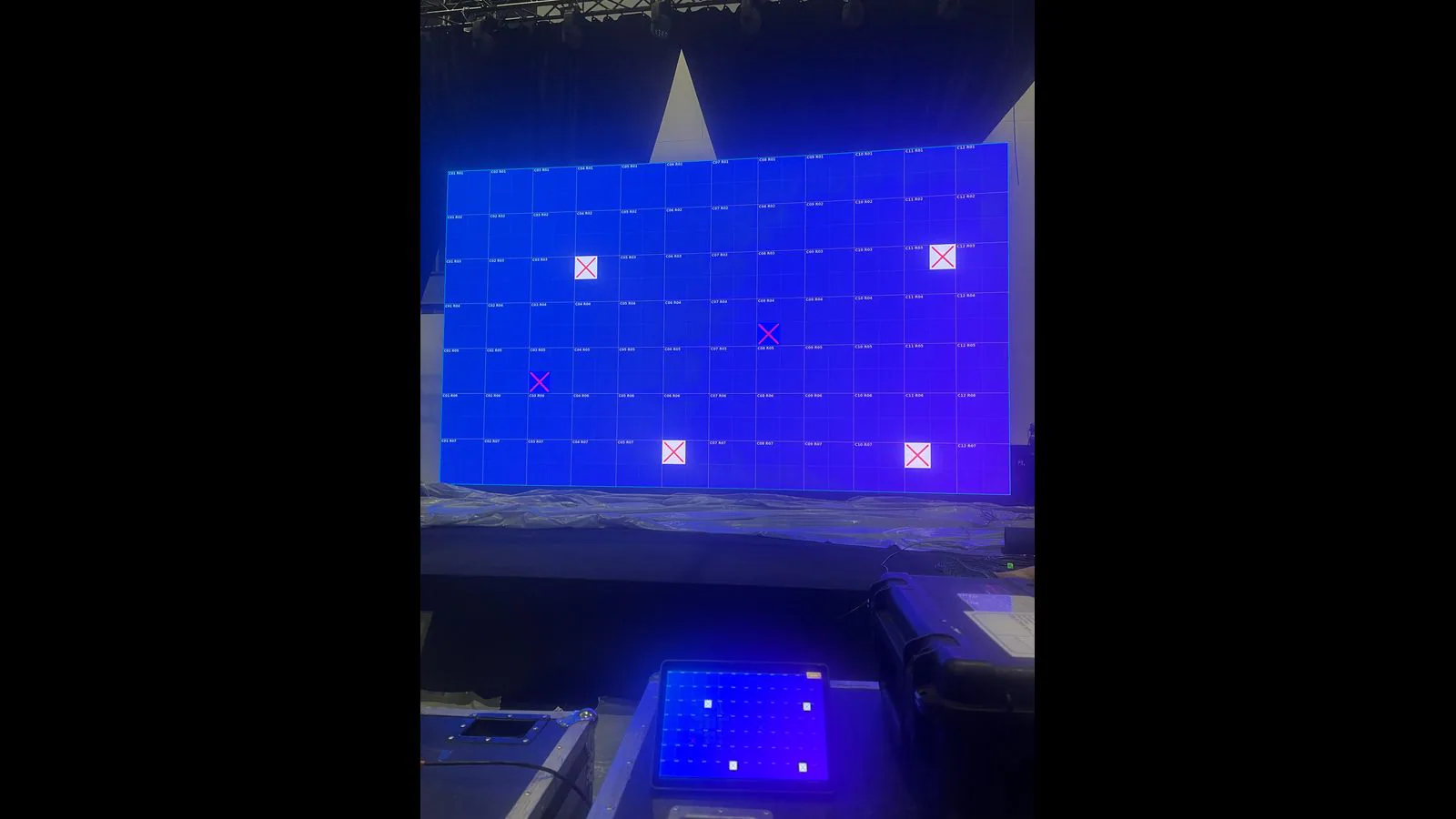
Mark one module or IM with a clear high-contrast cross while keeping the wall grid visible.
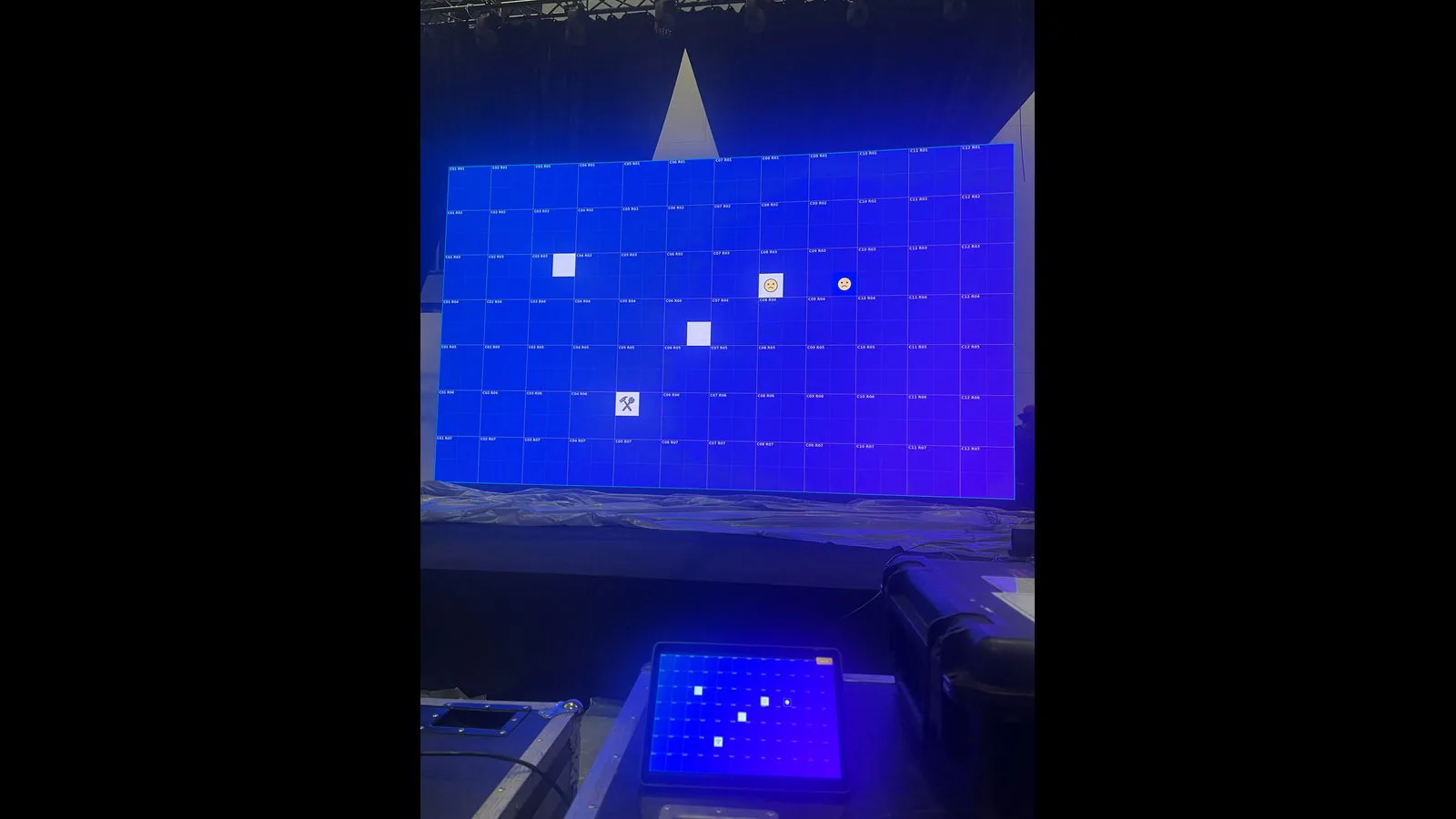
Choose a marker and colour on the tablet, then let BrightSign render the generated pattern over HDMI.
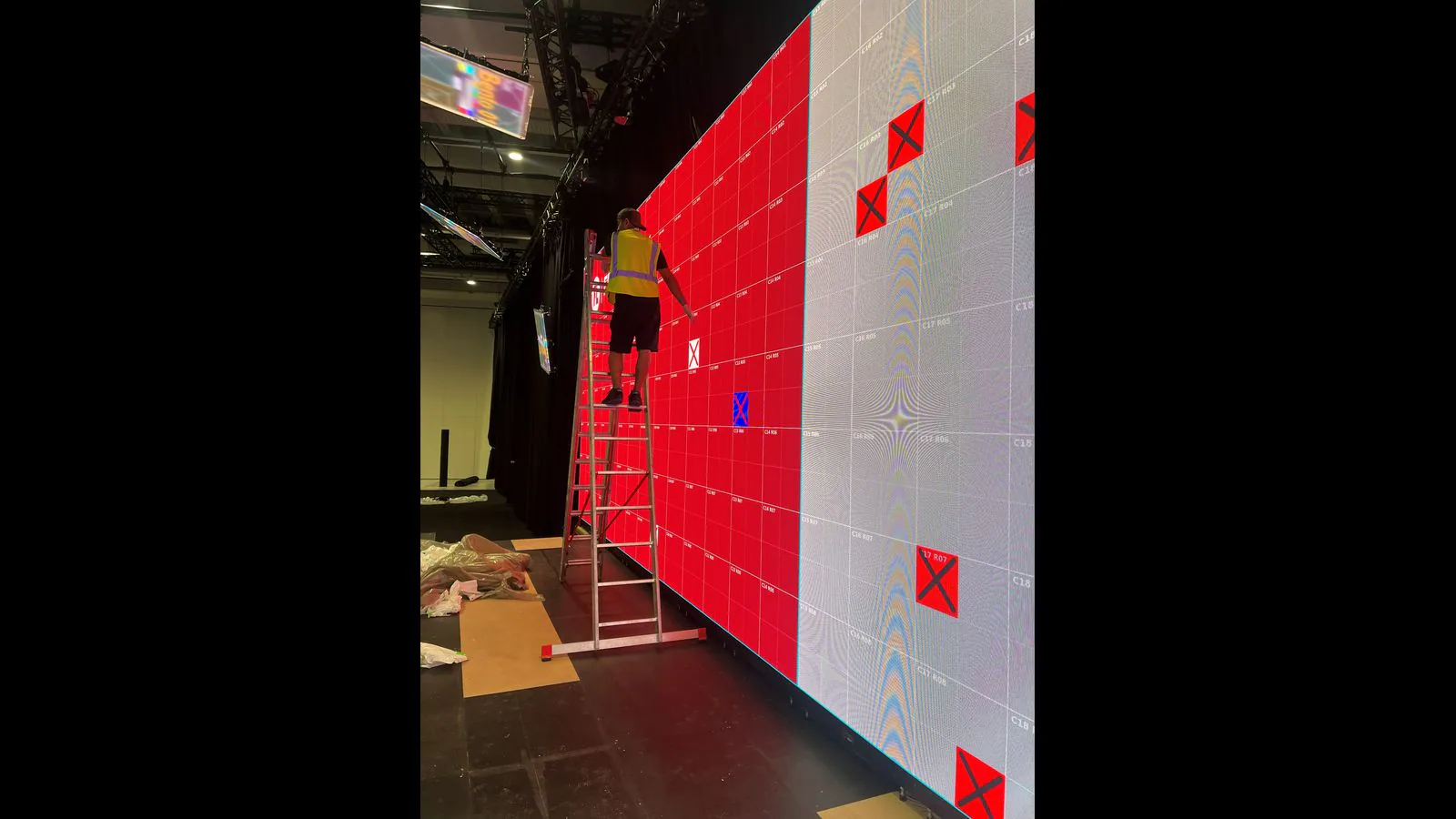
The technician sees the target directly on the wall — no guesswork.
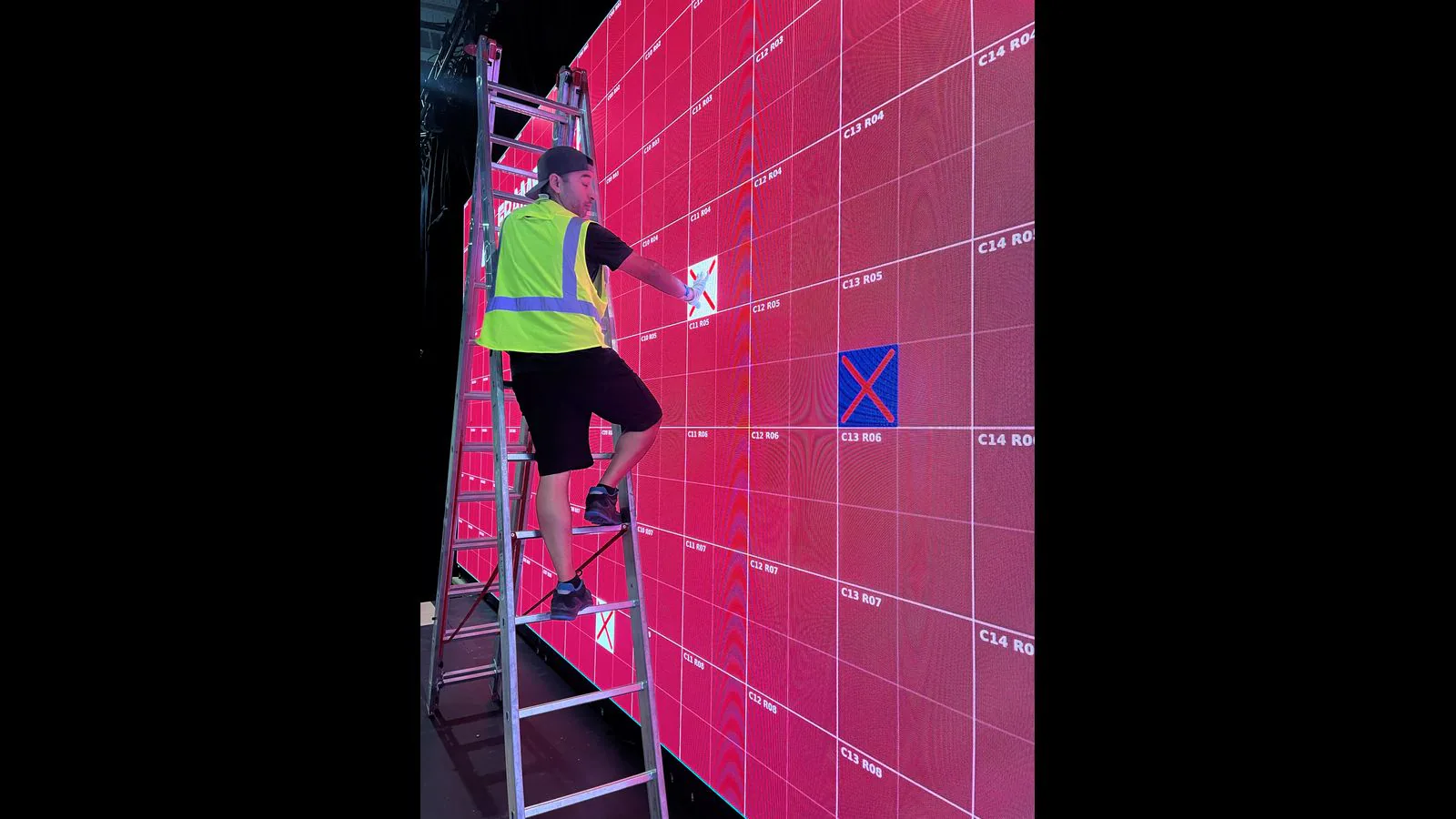
Coordinates and markers connect the service list to the physical cabinet.
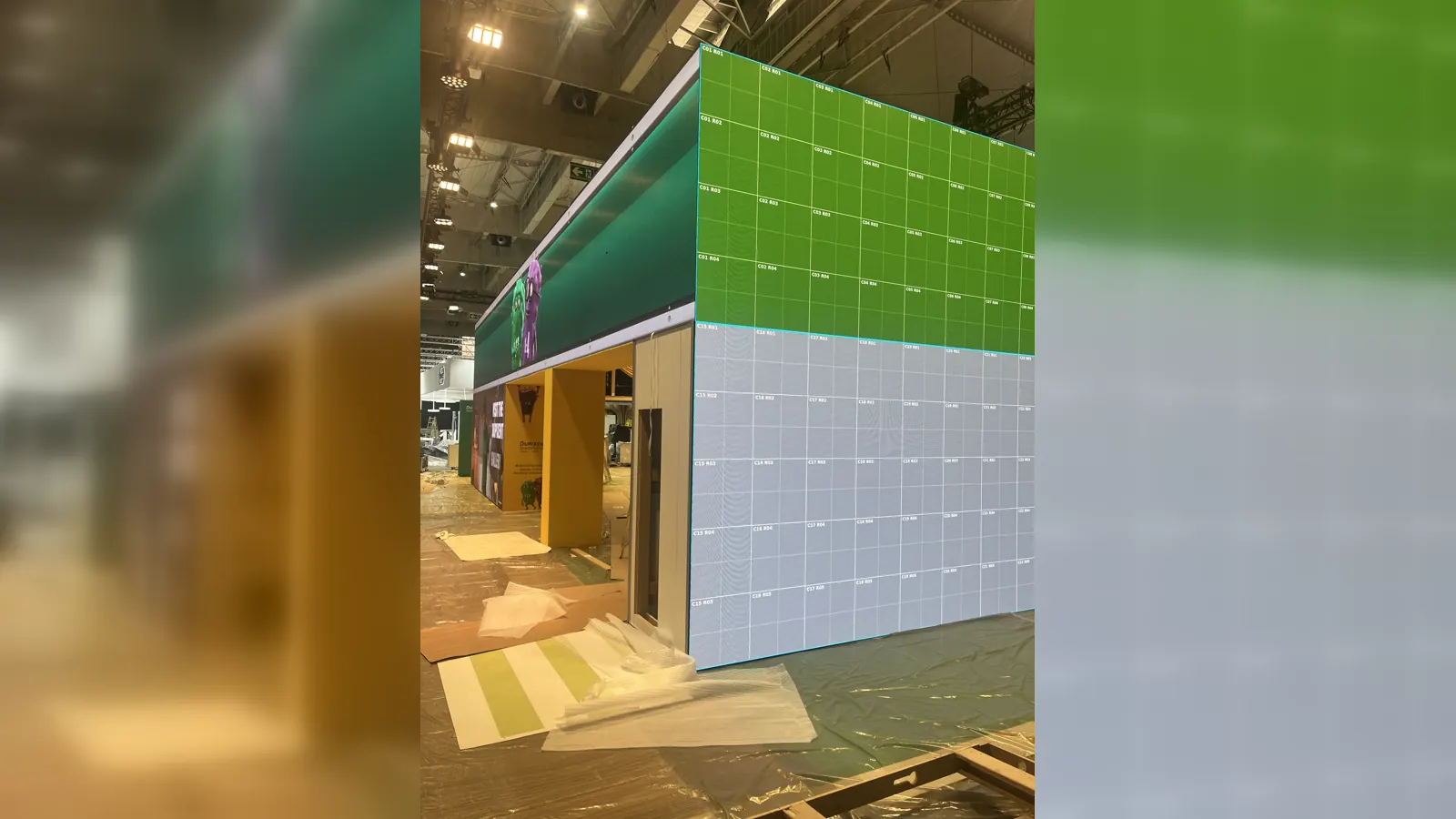
Keep cabinet and module coordinates readable across large or irregular LED installations.
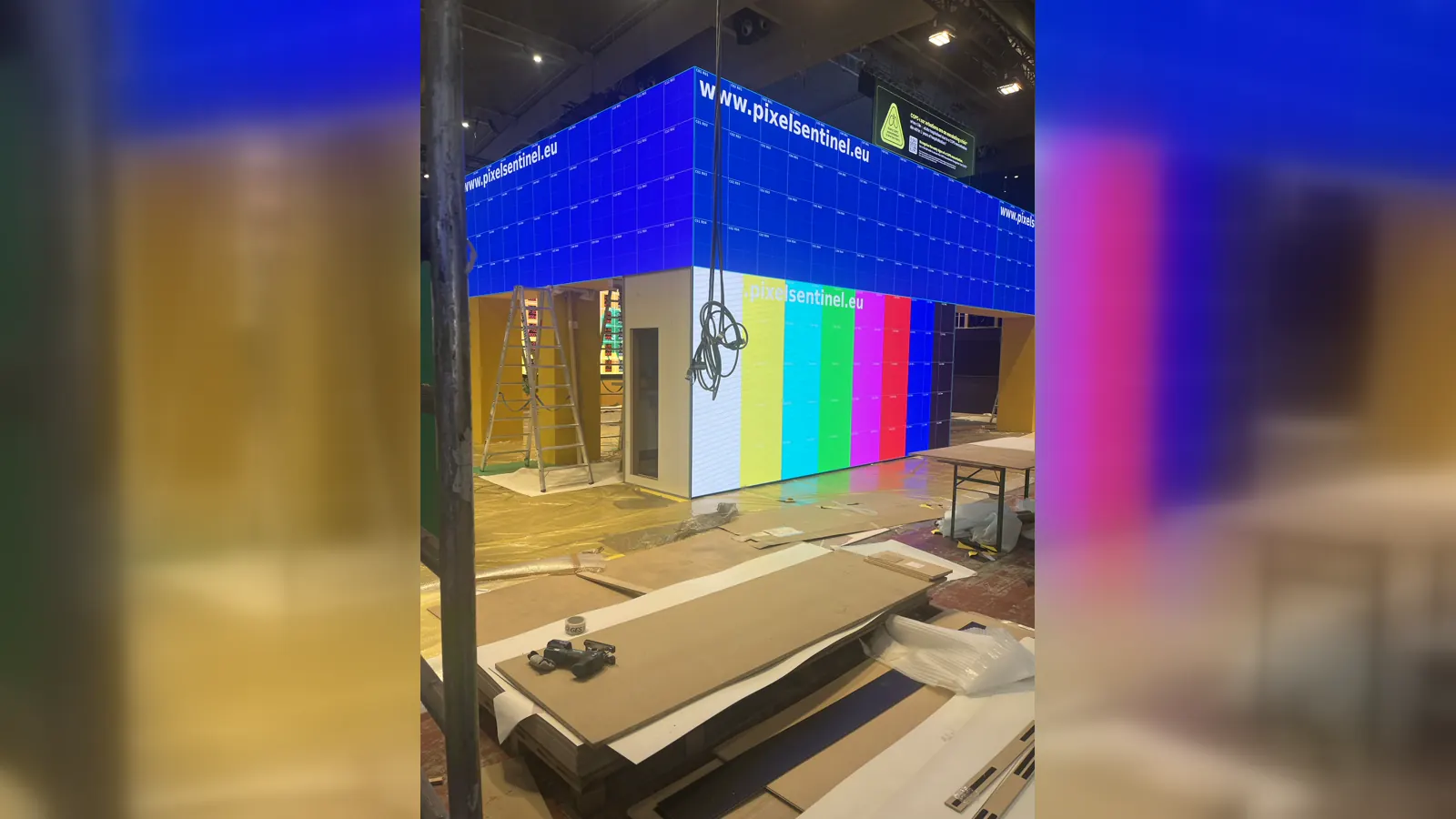
Switch between locator markers, coordinate grids and colour fields for the service task.
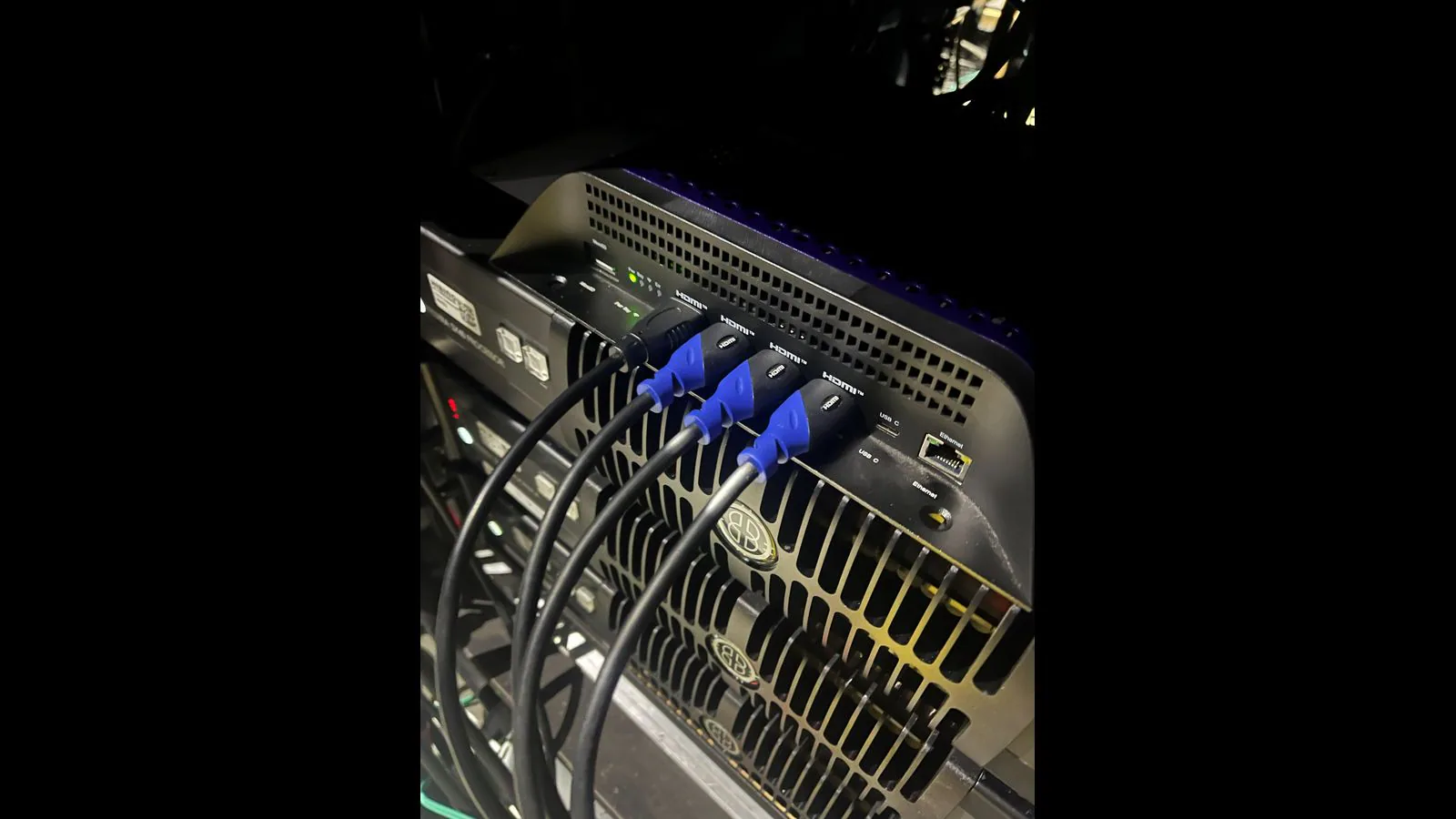
BrightSign generates the selected service pattern and sends it to the LED processor over HDMI.
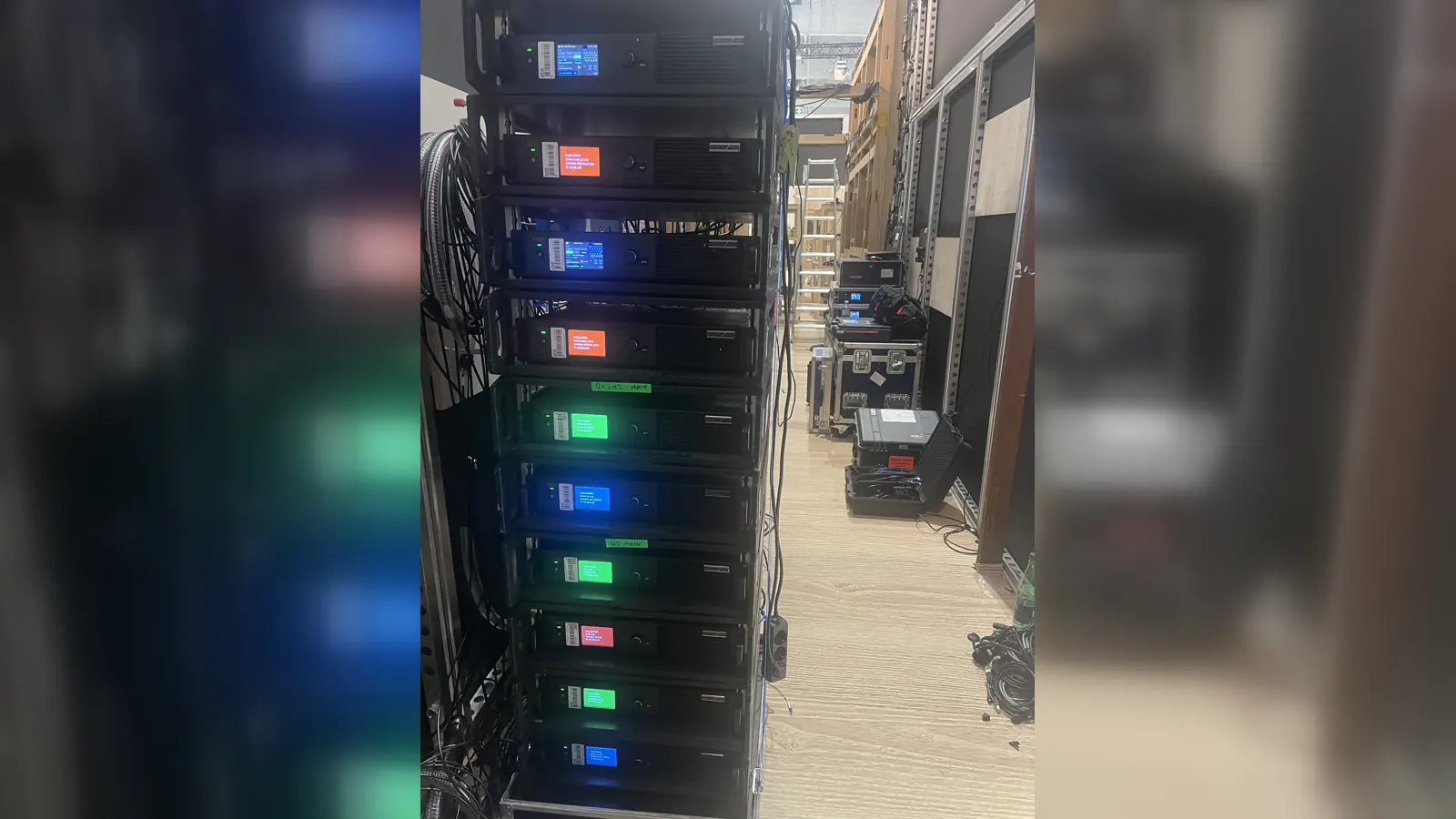
Use the IM Locator through the installed processor without changing the LED wall signal path.
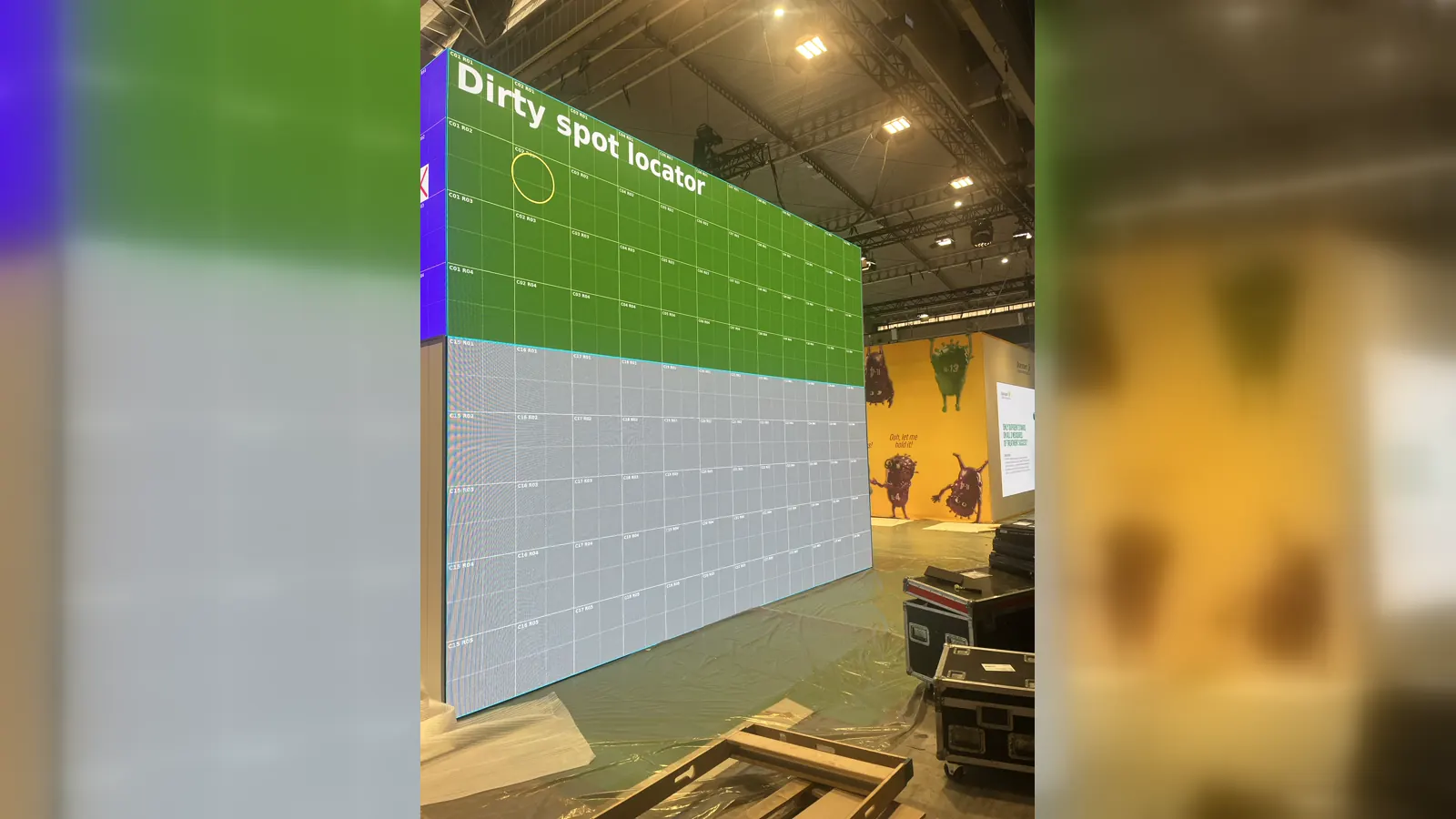
Place a movable service ring anywhere on the generated coordinate pattern when needed.
Actual tablet interface
Control the locator where the work happens.
These are direct 1920 × 1200 screenshots from the Samsung SM-X230 tablet running PixelSentinel Wall Lab. Select the output, module or individual IM and BrightSign updates the service pattern over HDMI.
Real control screens — not a website mock-up
The slideshow shows the System, wall setup, IM Locator, Single IM and full-screen wall views captured directly from the tablet.
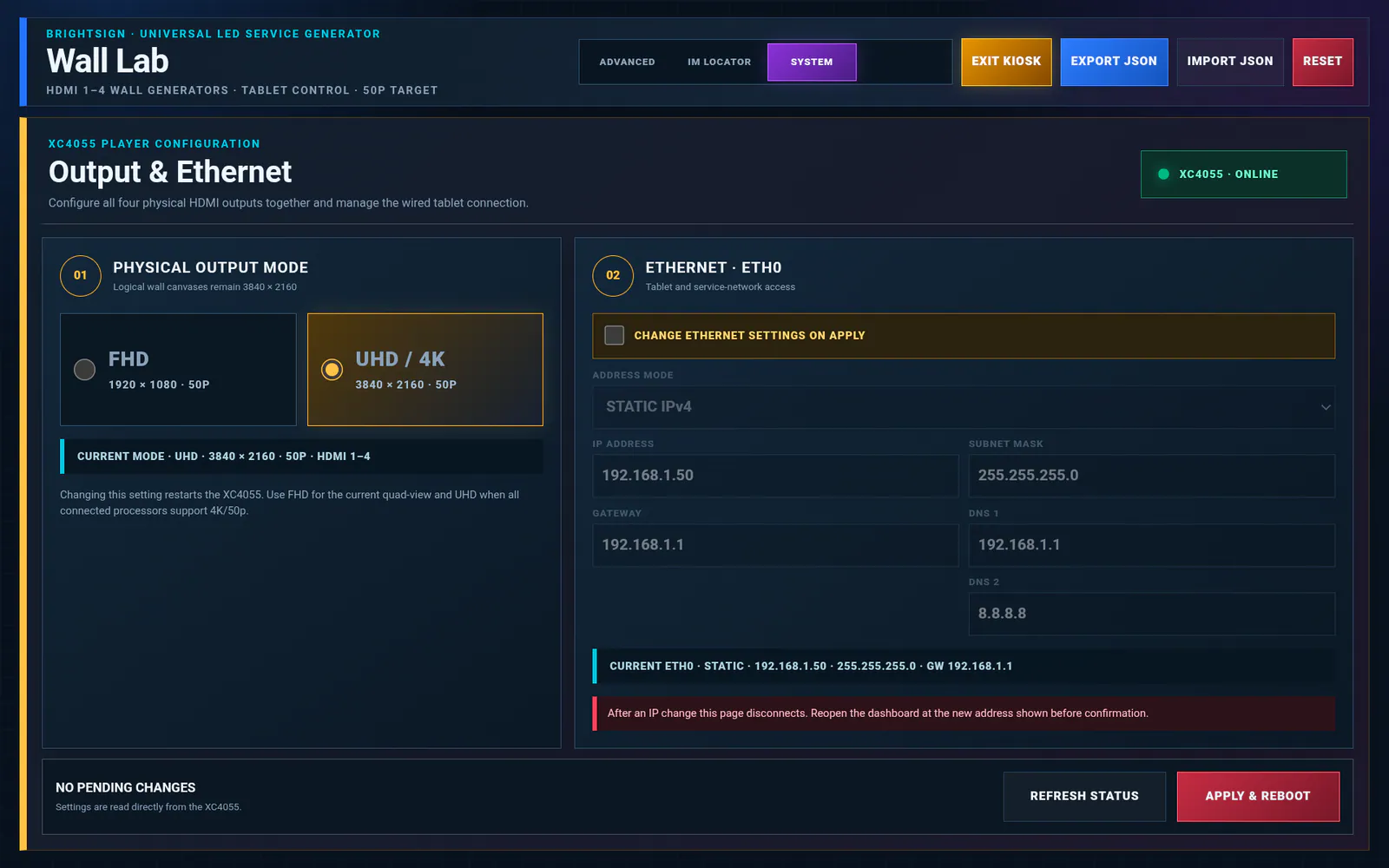
Check the BrightSign player, output resolution and network status from the tablet.
Enlarge screenshot ↗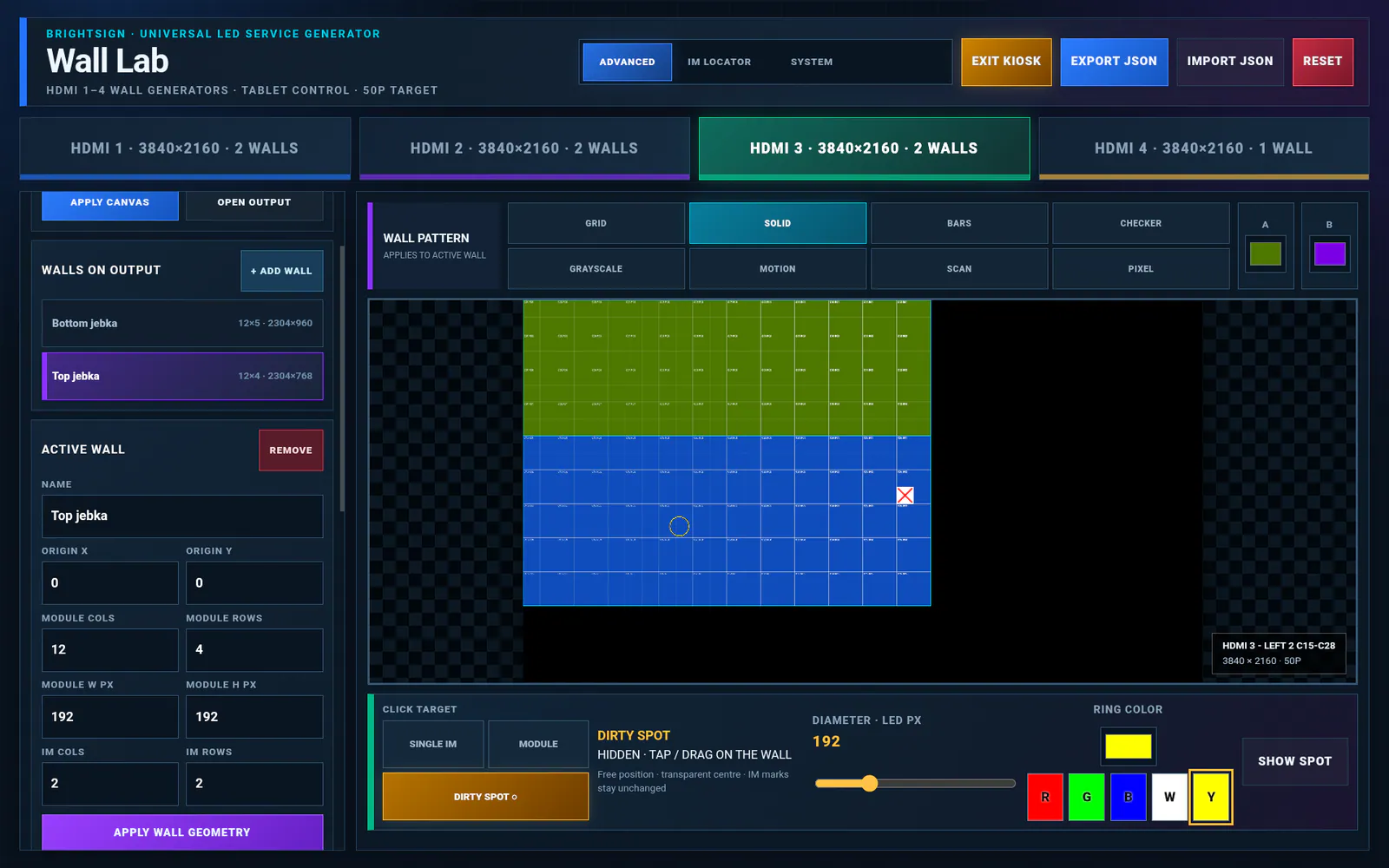
Review the complete LED wall layout and output mapping before service work.
Enlarge screenshot ↗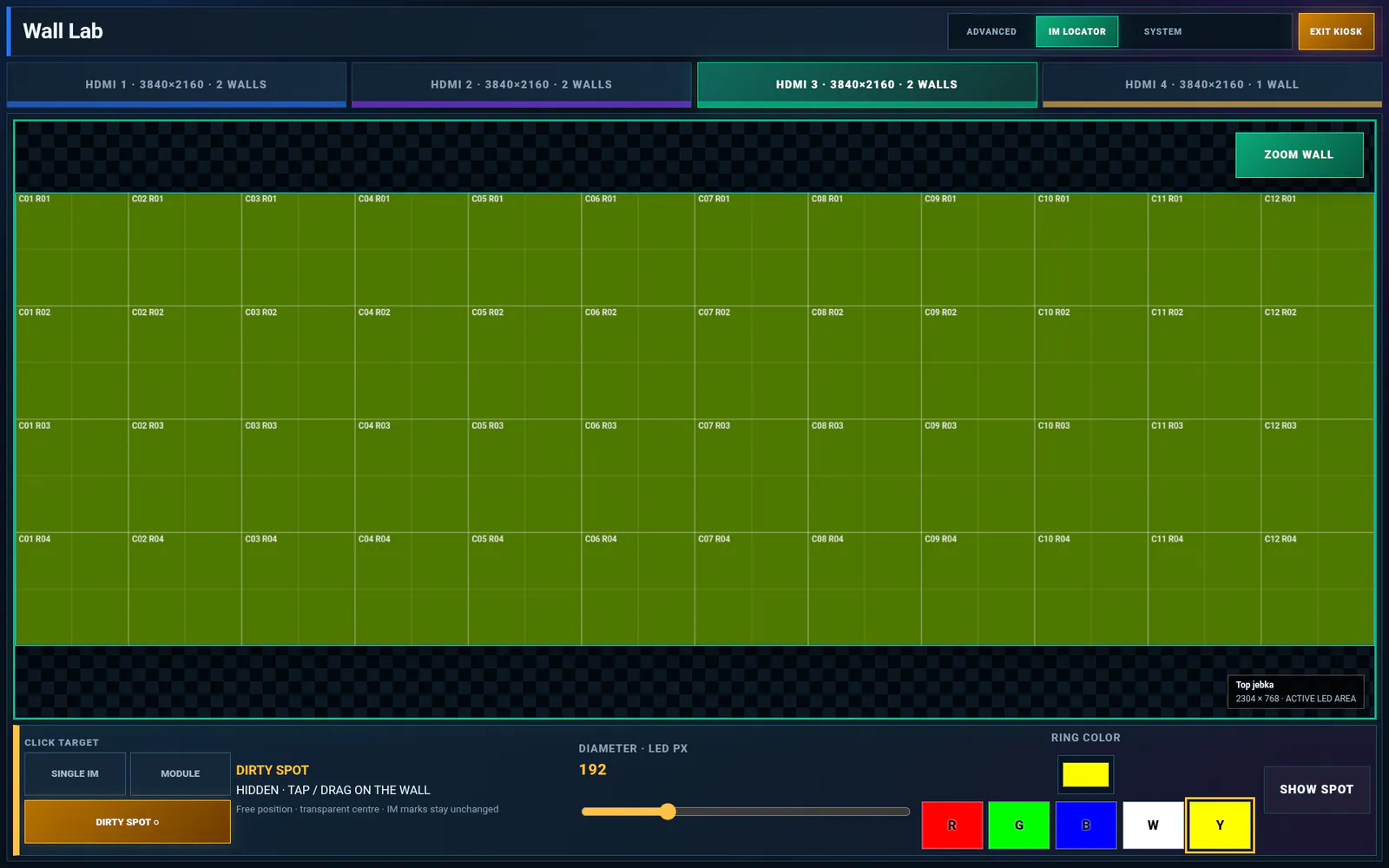
Choose the HDMI output and work directly with the coordinate-aware wall grid.
Enlarge screenshot ↗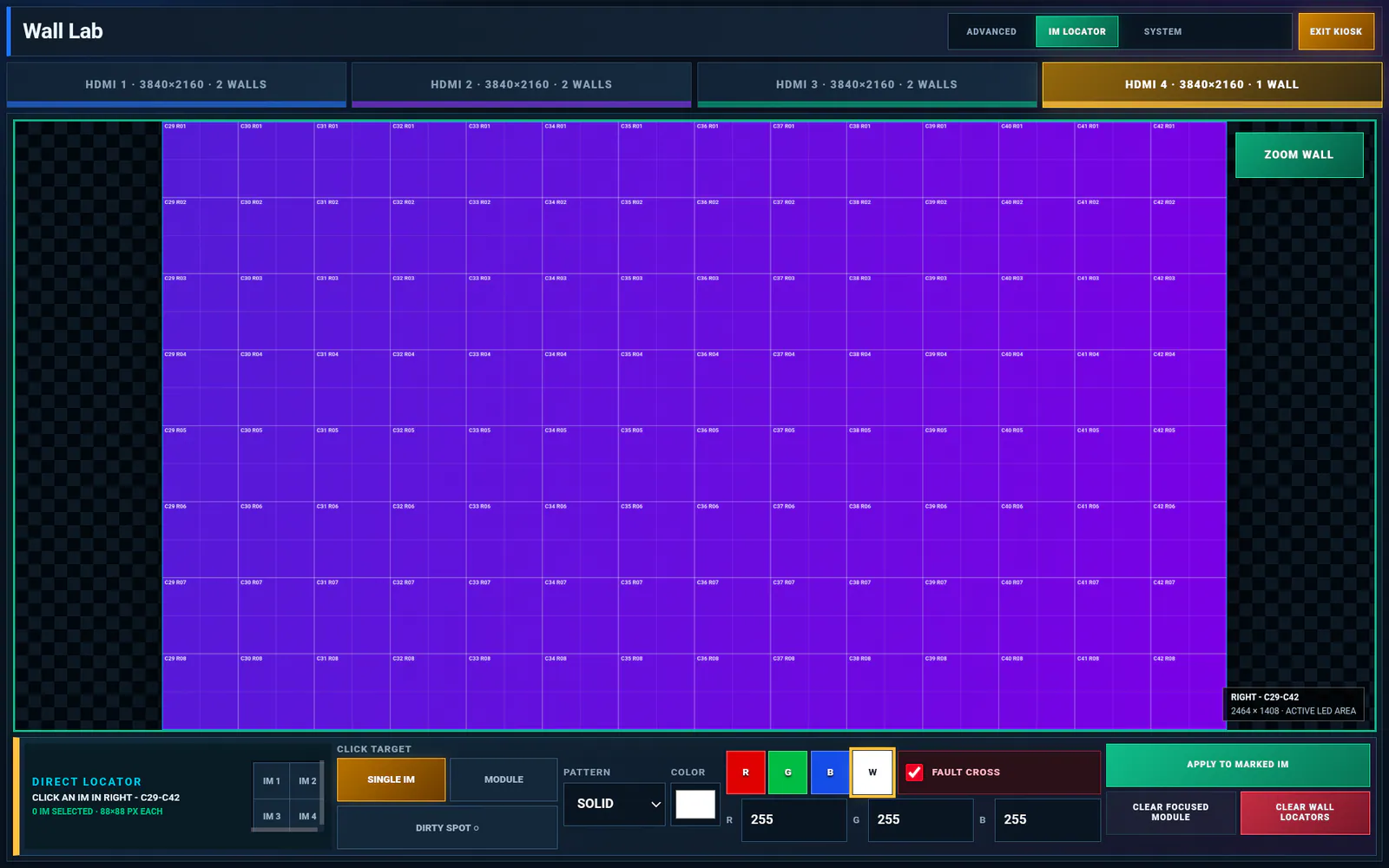
Select an individual IM, marker pattern and RGB colour with touch-friendly controls.
Enlarge screenshot ↗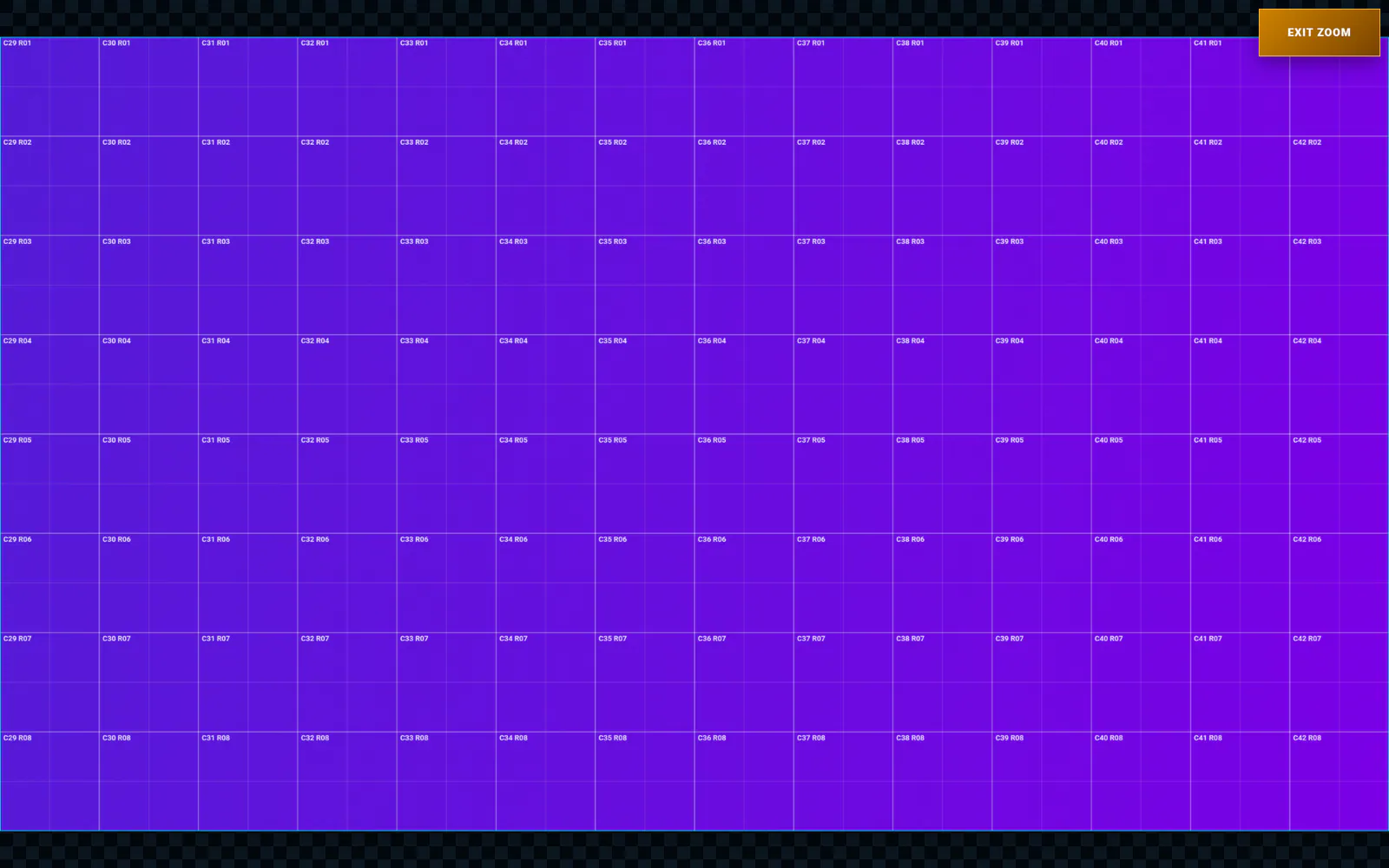
Zoom the wall grid for accurate touch selection across large module layouts.
Enlarge screenshot ↗Separate video demonstration
Optional Dirty Spot tool
Move and resize the service ring from the tablet. The optional Black Centre · LED Off mode uses RGB 0,0,0 to reduce glare during focused cleaning work. It is a video-level aid, not electrical isolation.
Legal & service policies
Clear rules for your licence.
Privacy, payment, delivery, refunds and future SD-image requests in one place. Effective 6 September 2026.
This summary does not restrict mandatory rights under applicable law. Czech law applies, without removing mandatory protections available to consumers in their country of residence.
Contact & legal
PixelSentinel operator
Questions about compatibility, payment or delivery of your serial-locked BrightSign SD image are welcome by email.
pixelsentinel@pixelsentinel.euExisting customer downloadU Teplárny 1487
509 01 Nová Paka
Czech Republic